Where does Google Chrome stores browsing history?
October 13, 2026 | 12:25 AM
Reverse engineering chrome to find out where my chrome history lives.
Open a new tab and search for chrome://history
That's your browsing history. You already knew that, I know! But did you ever inspect the page? Nah, right?
So I was inspecting to trace network requests and as I scrolled down I could see the past visits dynamically loading on my screen, but I couldn't see any network calls, that looked odd. Where's my history being fetched from?
I did the research. It was my own computer:
/Users/<username>/Library/Application Support/Google/Chrome/Default/History
If you're using mac, replace your username in the above path and cd into it. The History file is a sqlite database sitting right in your computer. If your browser's open, it's locked!
If you are using windows, why?? I'm kidding, search the equivalent windows path.
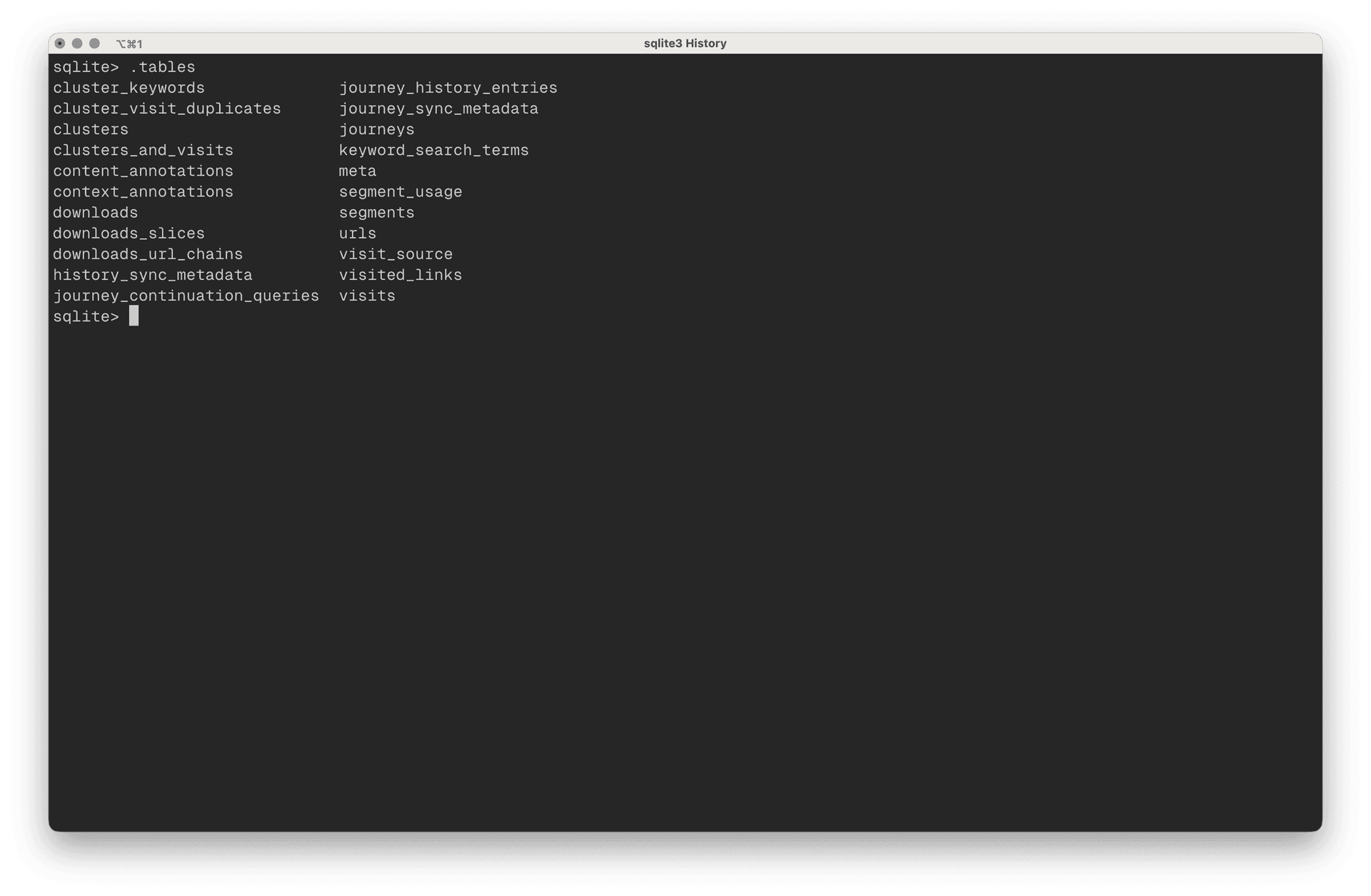
I'd recommend copying the file to a different location and start playing around. Ensure sqlite is installed in your computer and run the following to enter the matrix database.
sqlite3 /path/to/copy/of/History
Now, you can run sqlite commands[1] and run SQL queries against the database. There's a lot more to it than what we're shown on the history page!
For example, the following query shows that I need to keep a check on how many times I open x.com! You can't do that on the history page now, can you?

Google retains last 90 days of browsing history and it is synced on Google's servers from the History database.
I'm really interested in reverse engineering the underlying data model that Chrome uses to track urls, visits, keyword searches and more and I wish it was open-sourced. Guess what, it already is[2]!
Fin
Fun Fact: The top search bar uses the same database to suggest auto-complete based on your browsing history.