How are all computers connected?
January 31, 2025 | 10:00 AM
A set of beginner-friendly notes on how the Internet is structured and how computers communicate. It breaks down core networking concepts like hosts, packets, routes, ISPs, and protocols using simple language and everyday analogies, building intuition before formal definitions from standard networking literature.
I am reading computer networks from Computer Networks: A Top-Down Approach and the following are my notes (raw). I write in easy, no-jargon words that are easier to grasp different topics.
The Internet
- What is the internet?
- Nuts and Bolts of Internet
- network of infrastructure that provides internet
Key Terminologies
- End Systems (Hosts) : laptops, smartphones, TV, smart watches are called End-system or Hosts in a network.
- Communication Links : End systems are connected together by commnuication links and Packet switches.
- Transmission Rate : The rate at with data is transfered. Measured in bits/second.
- Packets : Packages of information transfered over the network. Chunks of data transported in small bundles (packets).
- Example : A cargo(data) shipment in divided in multiple trucks(packets) via highways (network).
- Packet Switches: To route packet from source to destination.
- Routers
- Link-layer switches
- Route (Path) : The sequence of communication links and packet switches traversed by a packet from the sending end system to the receiving end system is known as a route or path.
- Internet Service Provider (ISP) : Players like Jio, Airtel, AT&T, BSNL who set up infrastructure, both software and hardware, to provide internet services (connectivity to the network) are called ISPs.
- Protocols : The set of rules followed at each stage of data transmission on the network.
- Transmission Control Protocol (TCP)
- Internet Protocol (IP)
- Request for Comments (RFCs) : To resolve network and protocol design problems that faced the precursor to the Internet
- Socket Interface : End systems attached to the Internet provide a socket interface that specifies how a program running on one end system asks the Internet infrastructure to deliver data to a specific destination program running on another end system
Analogy with post office
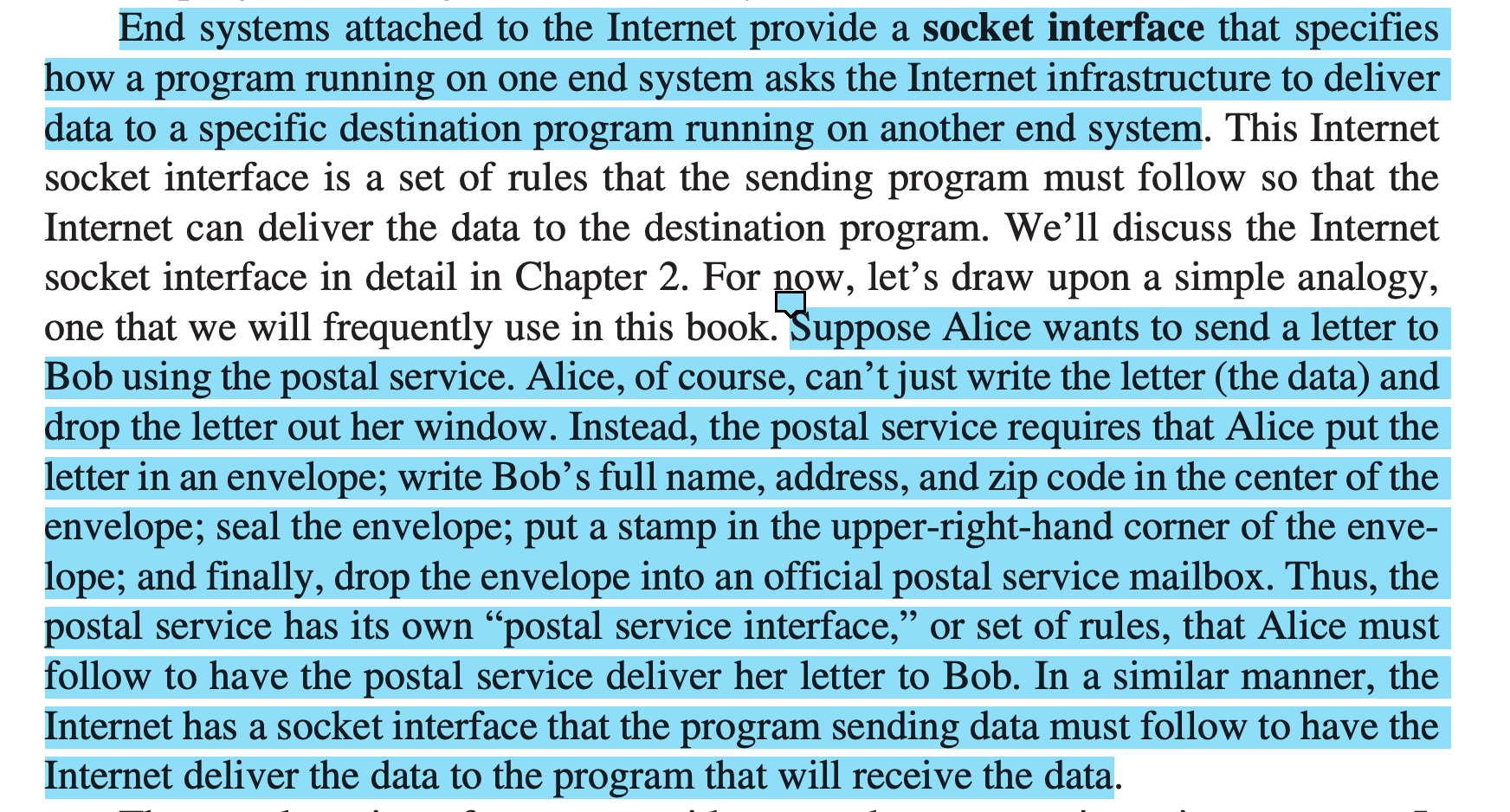
From the above example, the following analogy can be established:
- Sender -> Alice
- Receiver -> Bob
- Data -> Letter
- Socket interface -> destination on letter, stamp in center (post-office interface)
Protocols
A protocol defines the format and the order of messages exchanged between two or more communicating entities, as well as the actions taken on the transmission and/or receipt of a message or other event.
More than A set of rules that govern that transmission of data on the internet
Analogy : Human Protocols
After a lecture on, teacher stops to ask,
- "Are there any questions" (message transmitted to, and received by all students in class who are not sleeping)
- You raise your hand (transmitting an implicit message to the teacher that you want to ask question)
- Teacher says "Yes" (transmitting message to you to ask question)
- You then ask your question (transmitting your message to the teacher)
- Your teacher hears your question (receiving your message) and the answers (transmitting reply to question).
NOTE : If you don't understand teacher's language (can't receive teacher's message), or no one asks a question (no reply/action from receive) are also probable cases.
we see that the transmission and receipt of messages, and a set of conventional actions taken when these messages are sent and received, are at the heart of this question-and-answer protocol
Network Protocols
A network protocol is similar to a human protocol, except that the entities exchanging messages and taking actions are hardware or software components of some device (for example, computer, smartphone, tablet, router, or other network-capable device).
All activity in the Internet that involves two or more communicating remote entities is governed by a protocol. Examples:
- For hardware implemented protocols govern flow of bits in a wire.
- Congestion-control protocols in end systems control the rate at which packets are transmitted between sender and receiver
- Protocols in routers determine a packet's path from source to destination
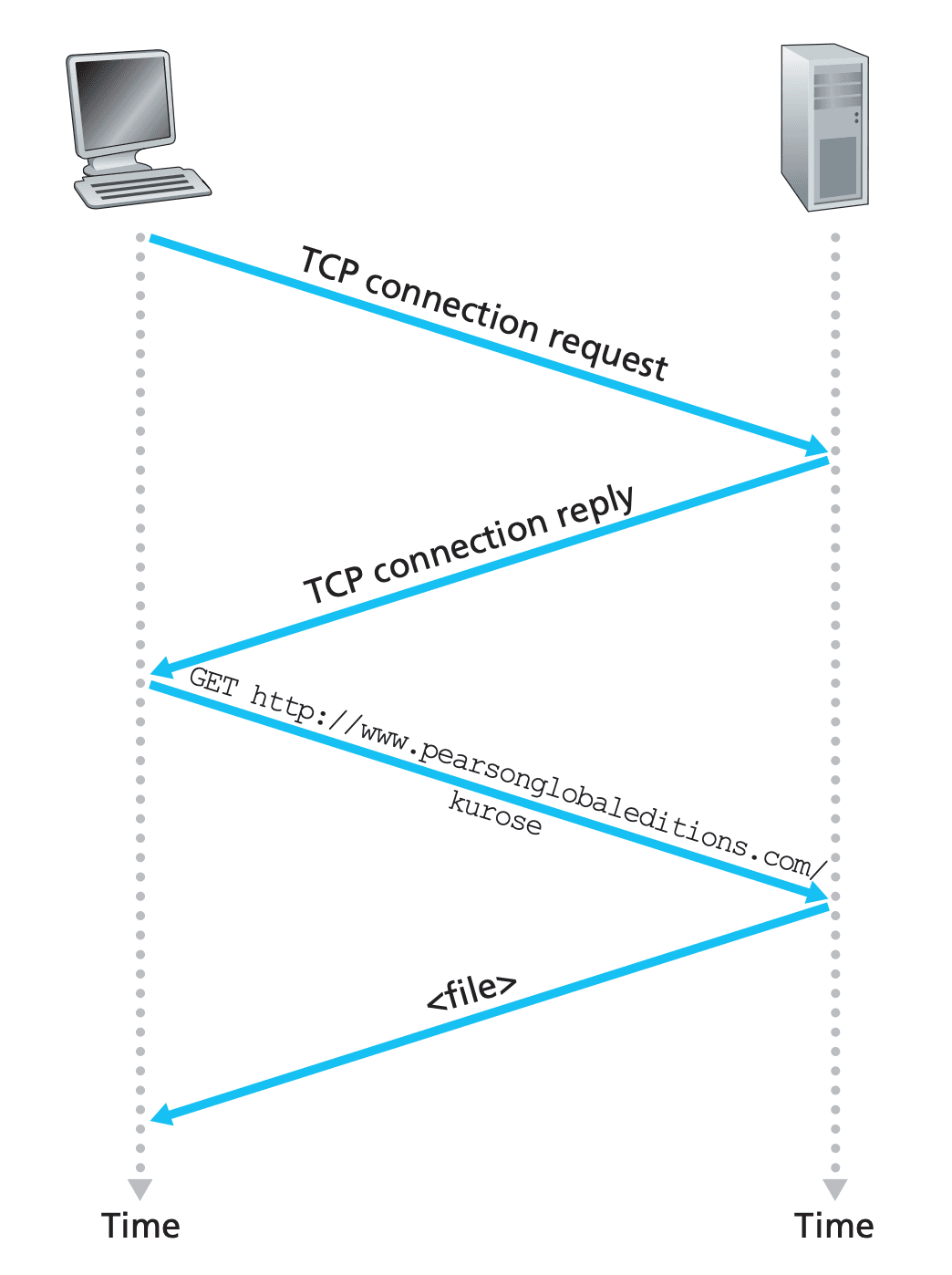
Example : Requesting a web page on the browser