How to Time-Travel a Single File in Git?
November 25, 2025 | 03:35 PM
Ever wondered what a file looked like years ago? Here’s a simple Git trick to view old file versions instantly, without touching your current state.
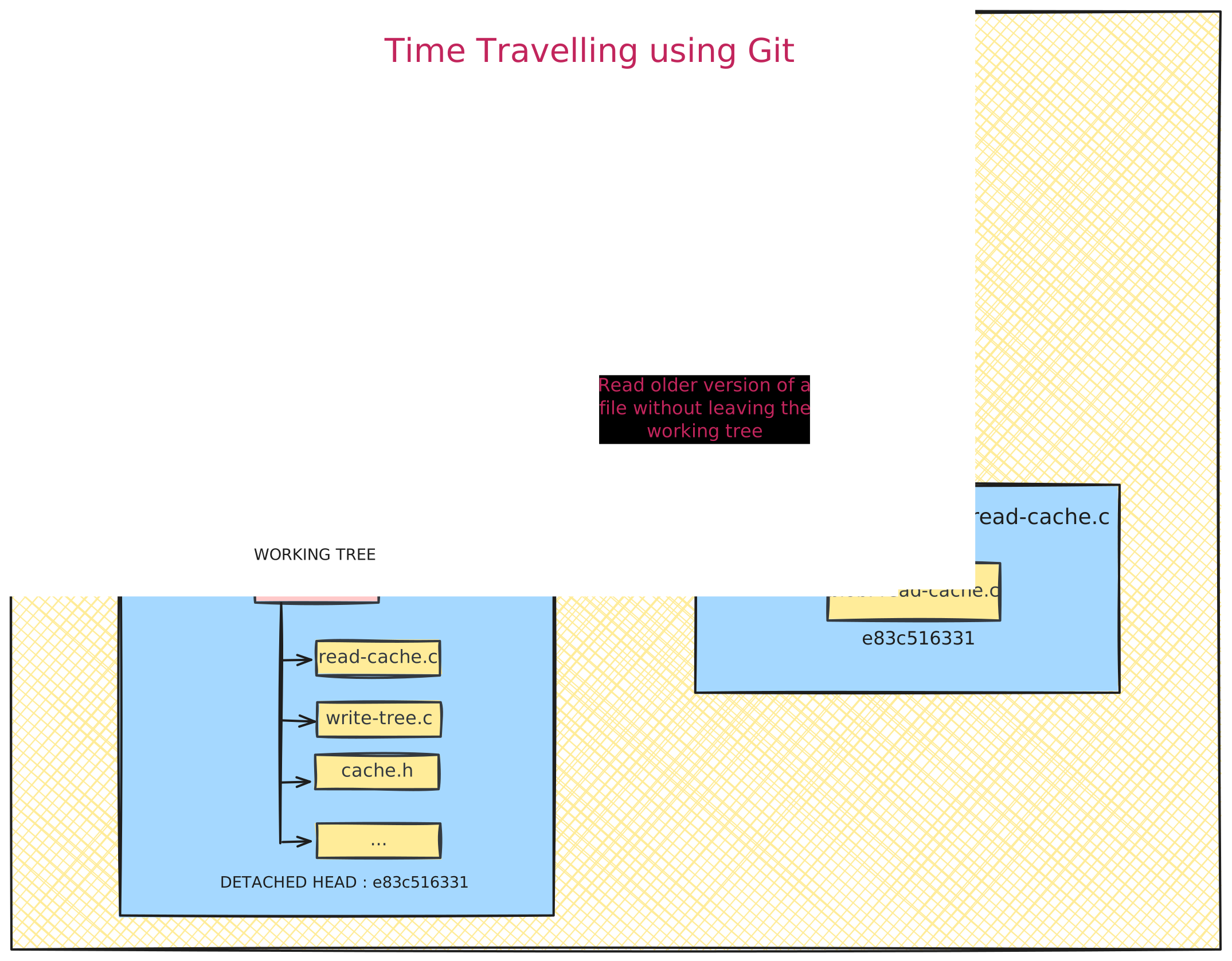
Today I learned that you don’t need to switch commits or enter detached HEAD mode just to look at an old version of a file. Git can show you exactly what a file looked like at any commit — without touching your working tree — because every version of every file is stored as a blob object.
All you need is:
git show <commit_sha>:<file_name>git-show(1) normally displays commit details, but when you append <file> after <commit>:, Git resolves it to a blob object and prints exactly what that file looked like at that moment in history.
It’s a surprisingly clean way to time-travel a single file.
For example: imagine a random tuesday afternoon where you've just cloned the Git source and suddenly feel like reading the first version of read-cache.c written by Linus back in 2005.
- Find the first commit.
$ git log --reverse --oneline(Copy the first SHA you see.)
- Use git show to view
read-cache.cfrom that commit:
$ git show e83c516331:read-cache.cAnd now you're looking at 2005 code — no checkouts, no detached HEAD, no messing with your working directory.